VAT
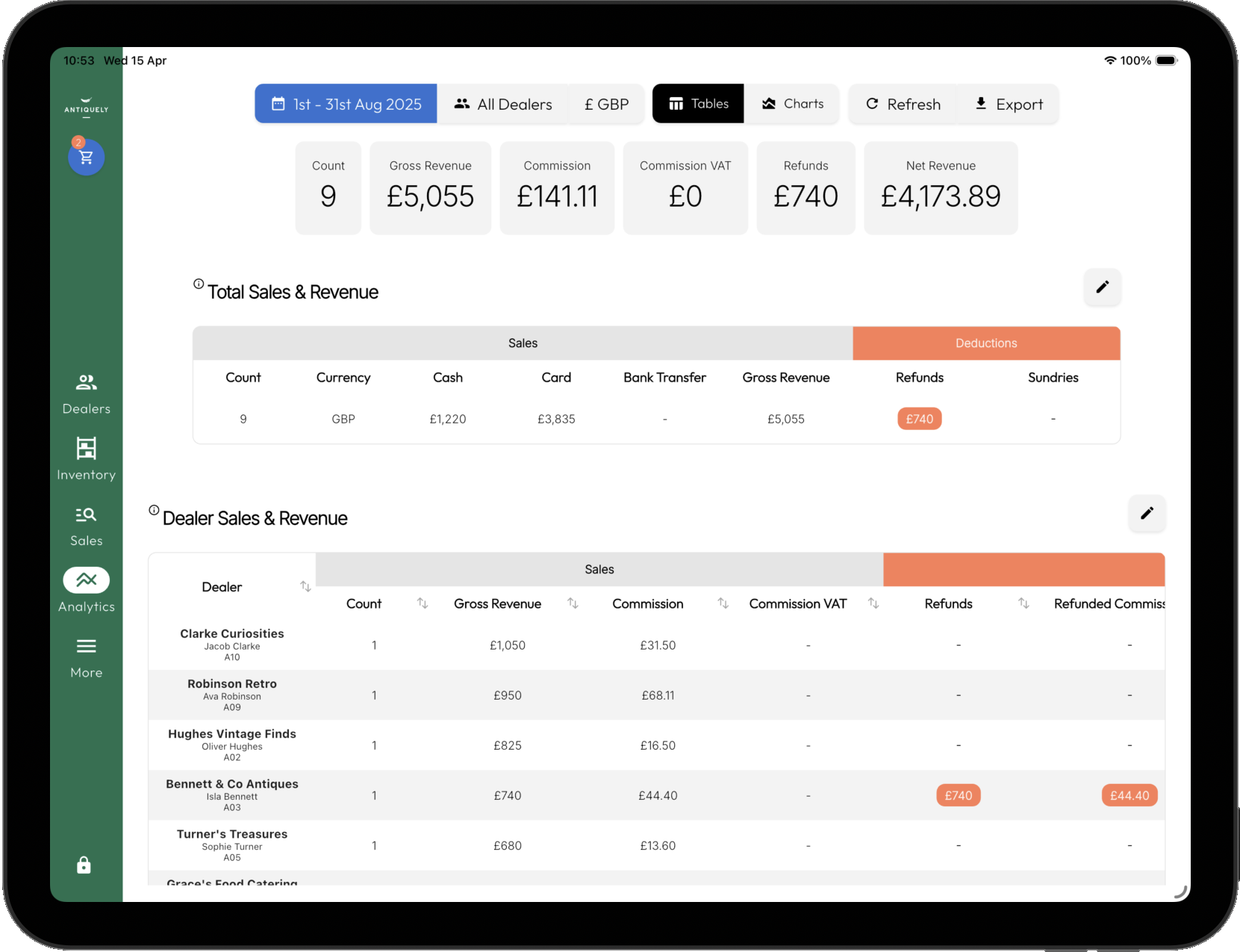
Overview of how VAT is handled.
| Use
ENABLE
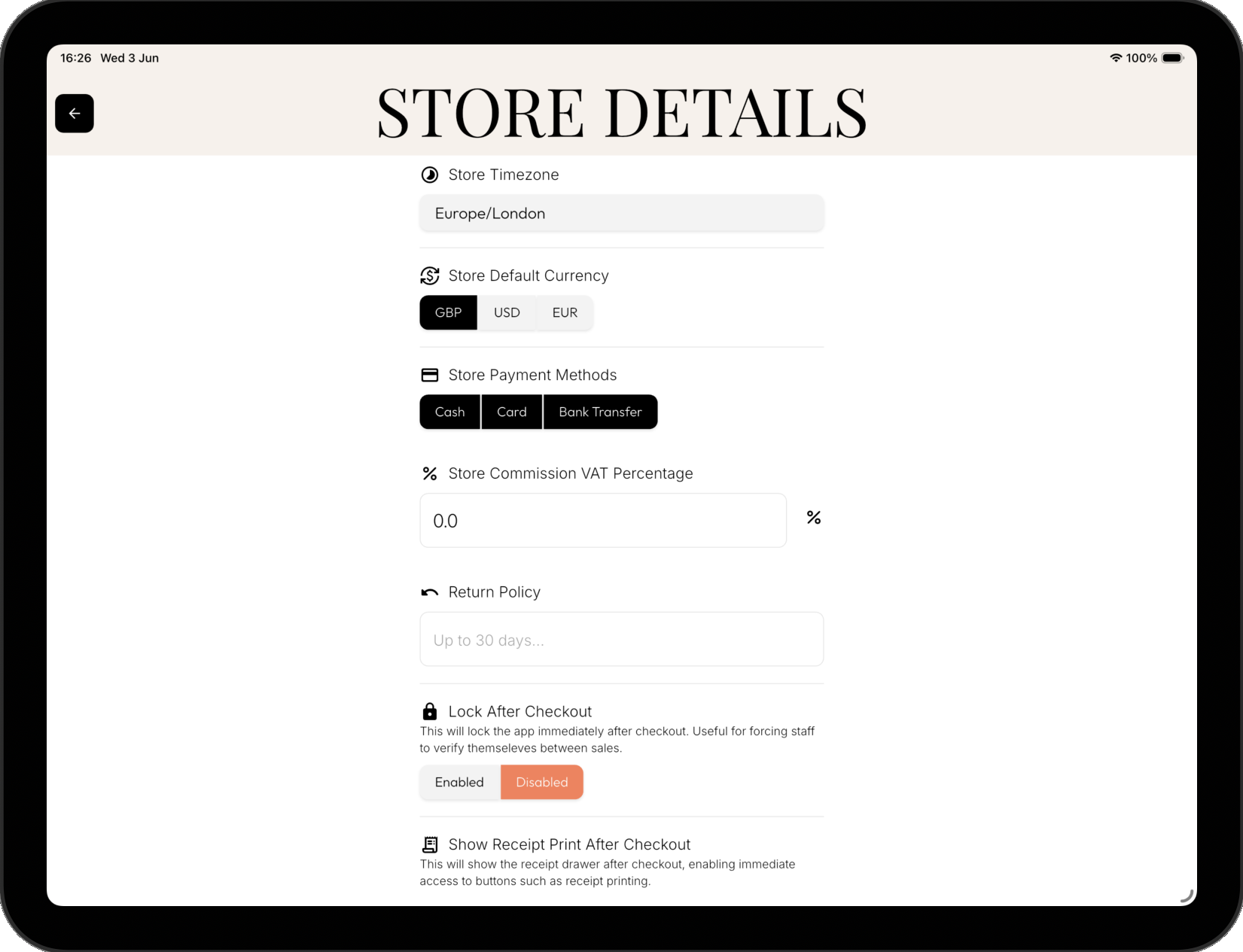
Turn on VAT tracking for your store by simply adding a value to your store settings. More > Settings > Store Settings
| Value
TRACKING
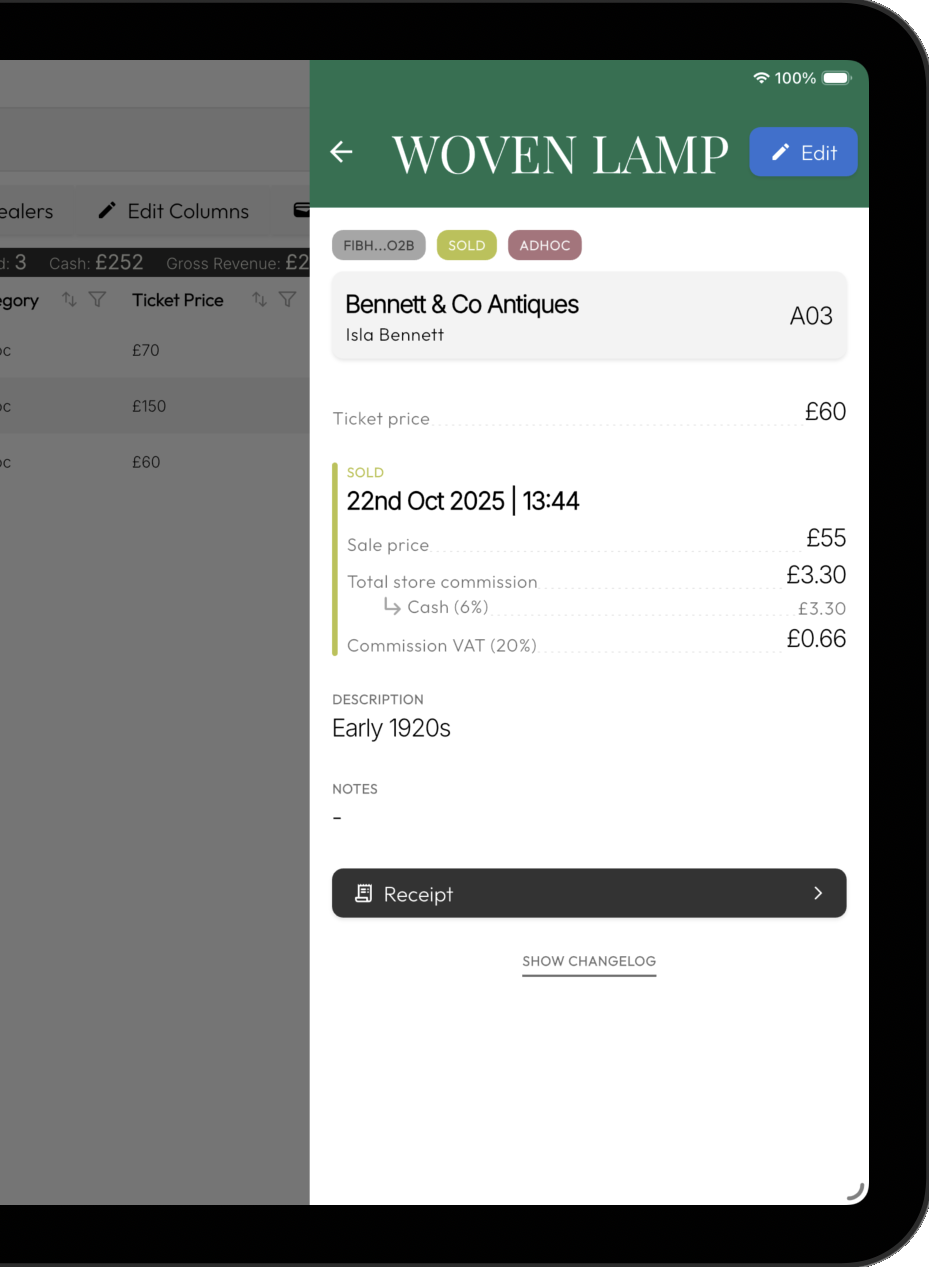
VAT value is additional to existing commission values. Example on a sale of £100:
• 10% store commission = £10
• 20% store commission VAT = £1
• Total store commission = £11
• Dealer receives £89
| Changes
HISTORIC
It only affects sales from when it's added/changed. Historic sales are unchanged.