
Get started painlessly
The first steps to setting up your store ready to sell.
| Step 1
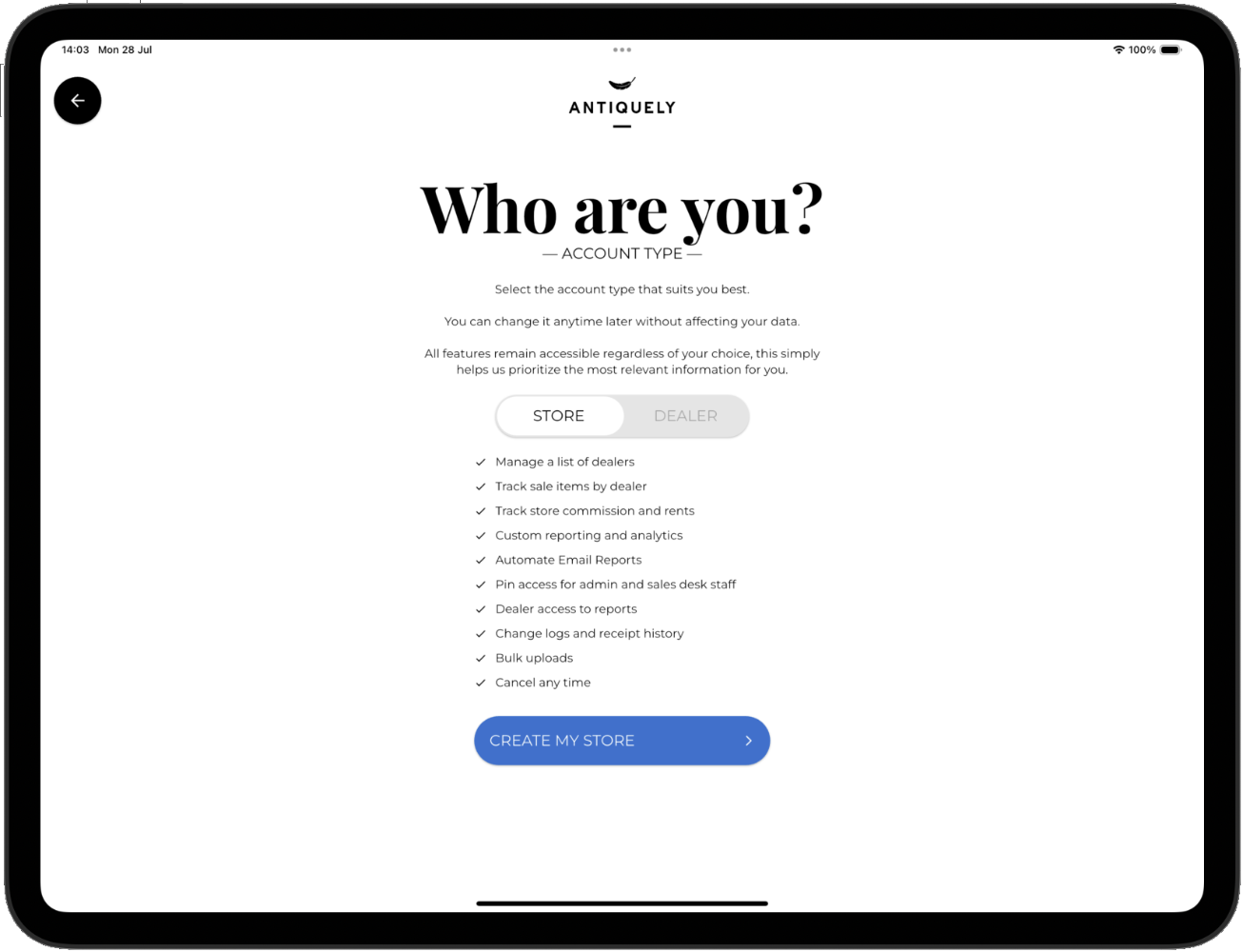
CREATE ACCOUNT
Choose the account type for you.
Owner accounts are for stores selling, managing their dealers, staff etc.
Dealer accounts are for viewing your individual information and sale history within stores, they must be linked to at least one store (Owner account).
| Step 2
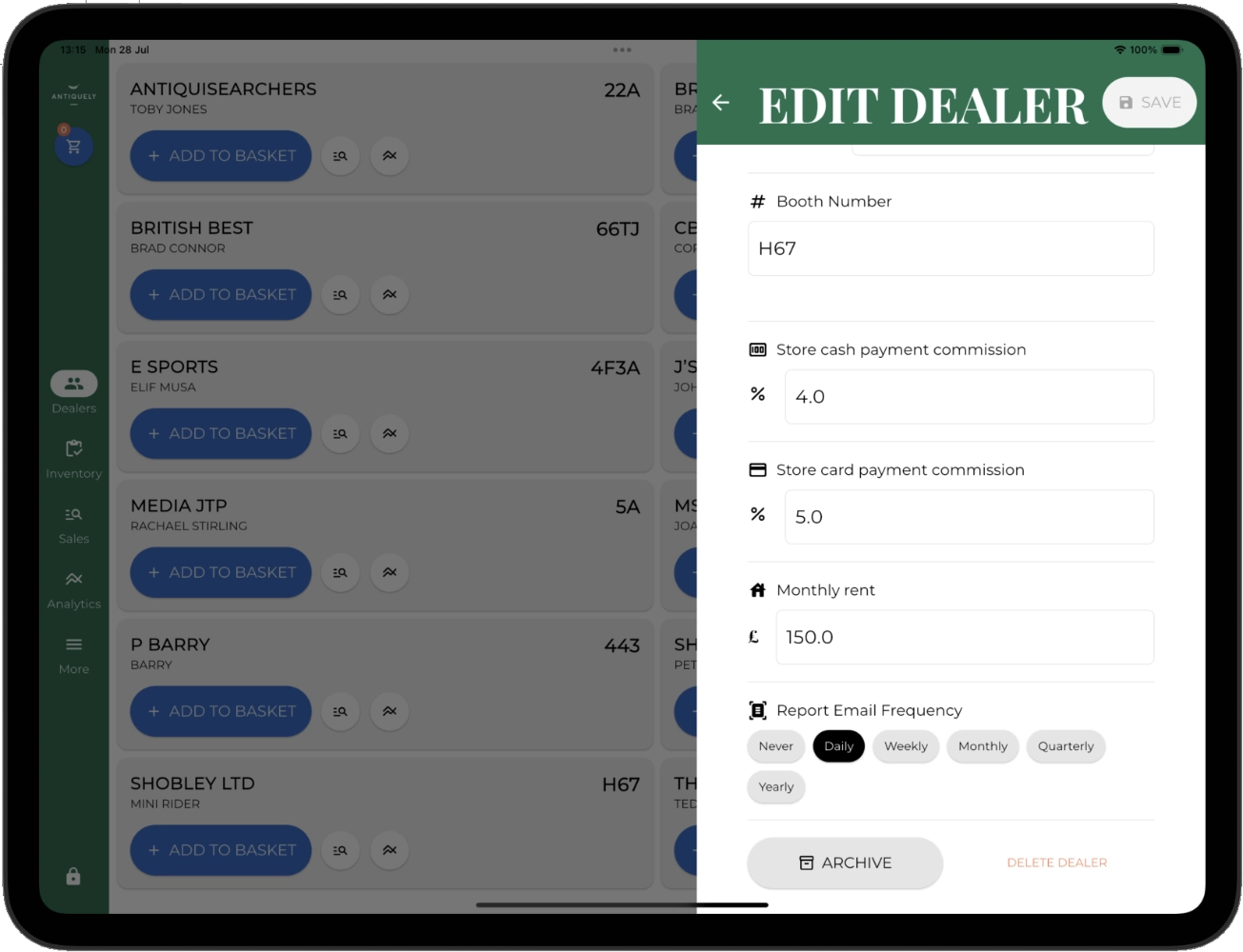
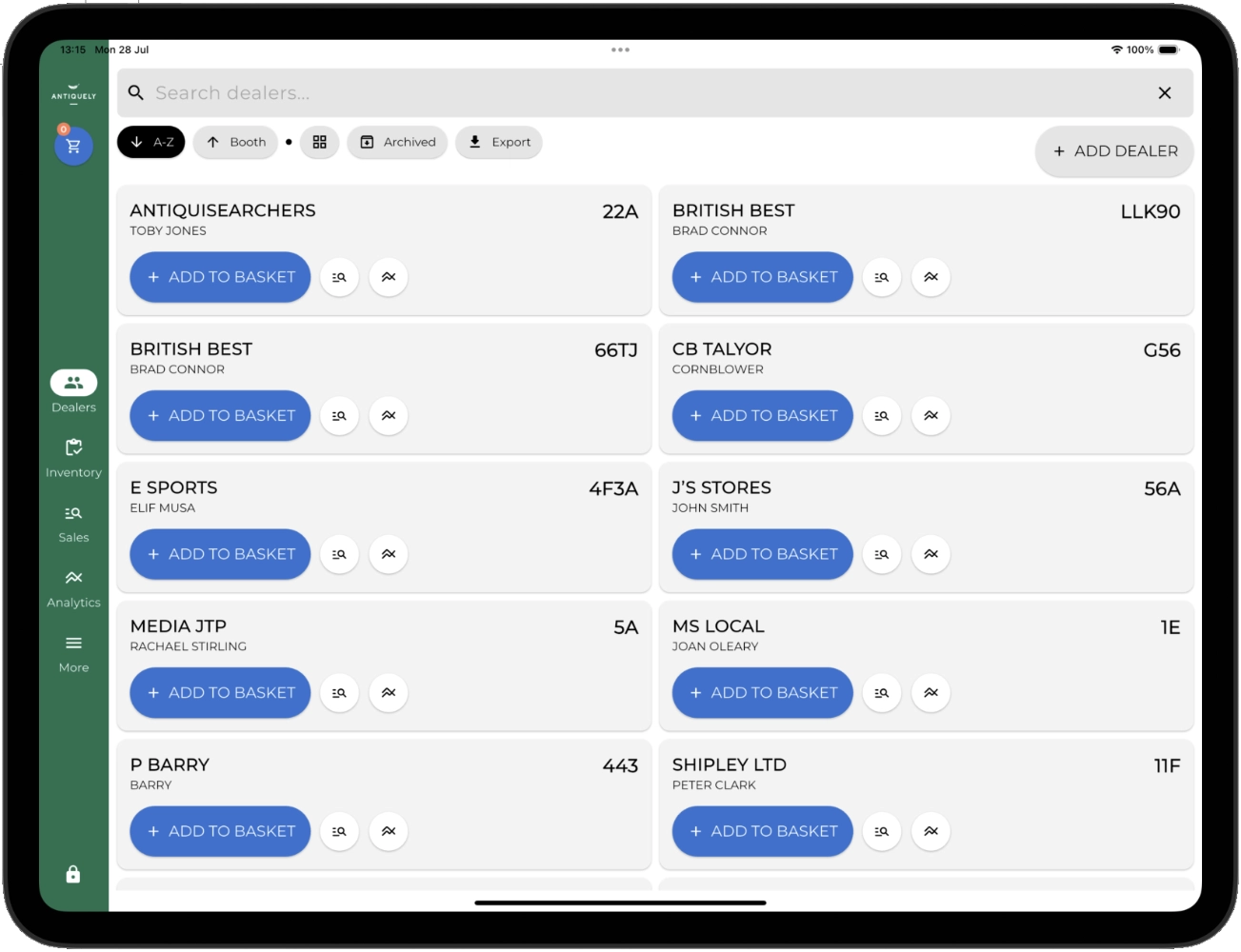
ADD DEALERS
Upload all your dealers. Either use the bulk upload tool or manually add each one individually. Dealers are required before you can sell anything - otherwise how else will you know who an item belongs to!
| Step 3
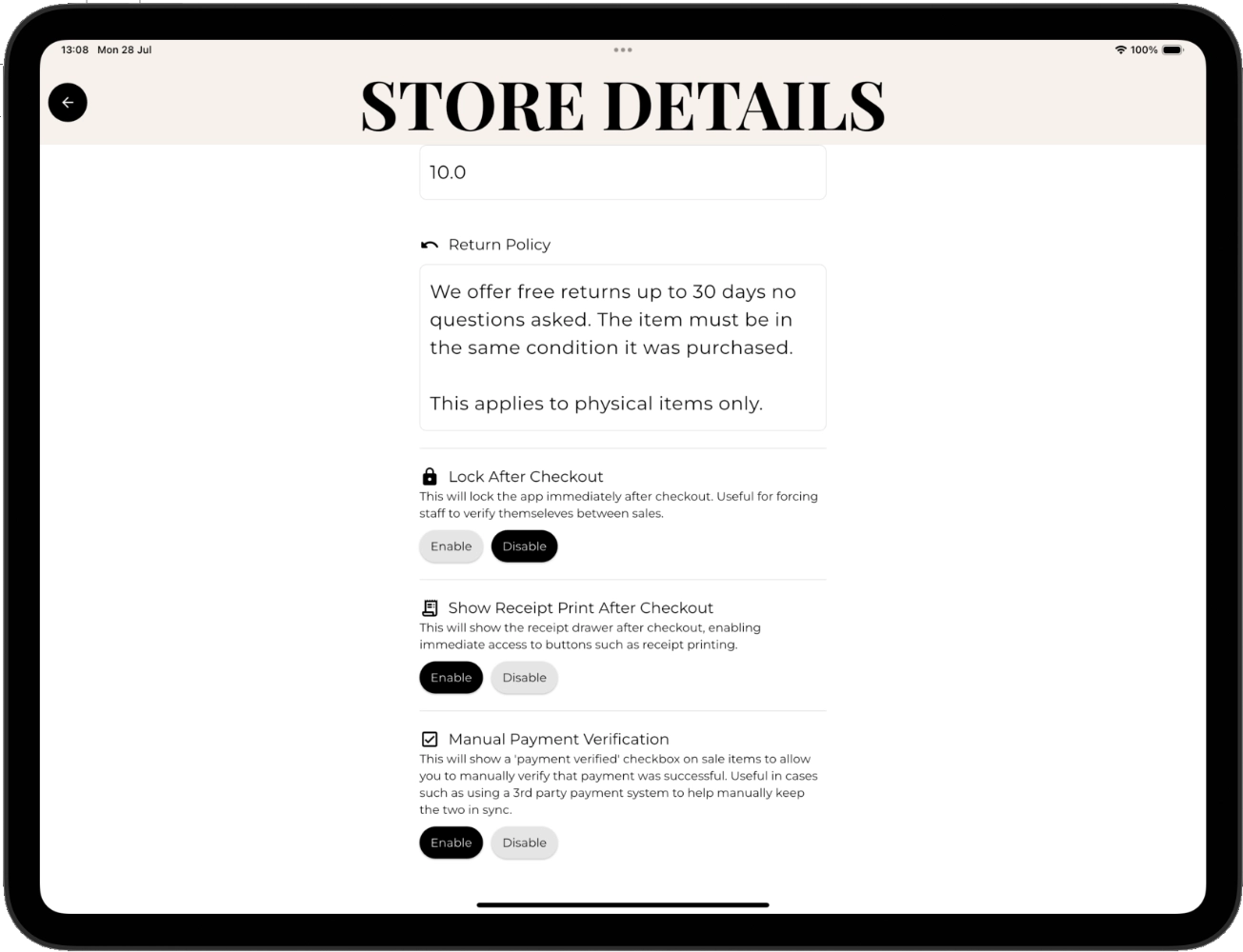
STORE DETAILS
Personalise your account. Change your name, logo (for customising e.g receipts), currency, location and more.
| Step 4
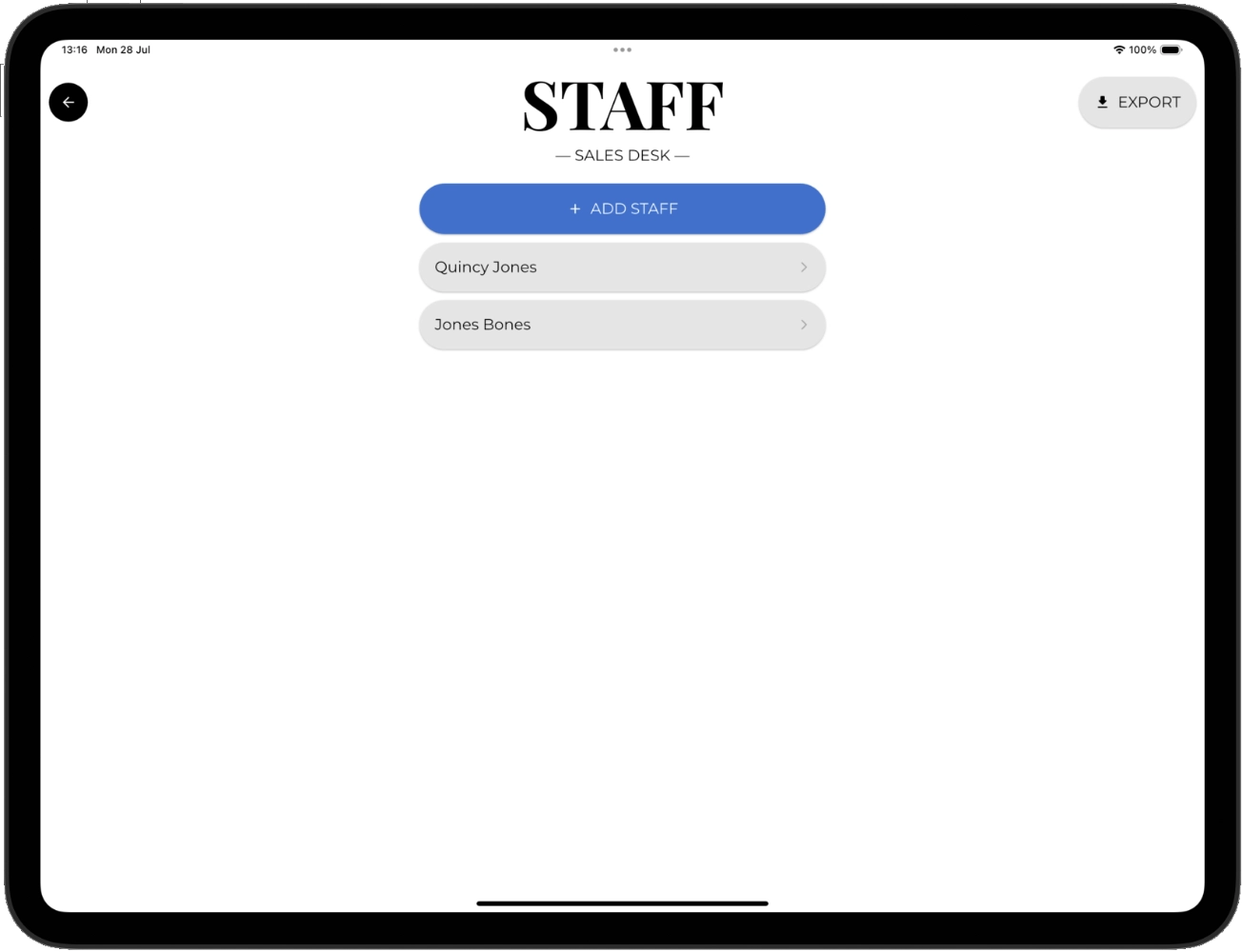
ADD STAFF
Wish to have team members sell? Setup as many individual staff accounts as you want. This will give them a pin to unlock the app and allow their sale performance to be tracked separately. Grant specific fine grain permissions to ensure they can only access what you wish.
| Step 5
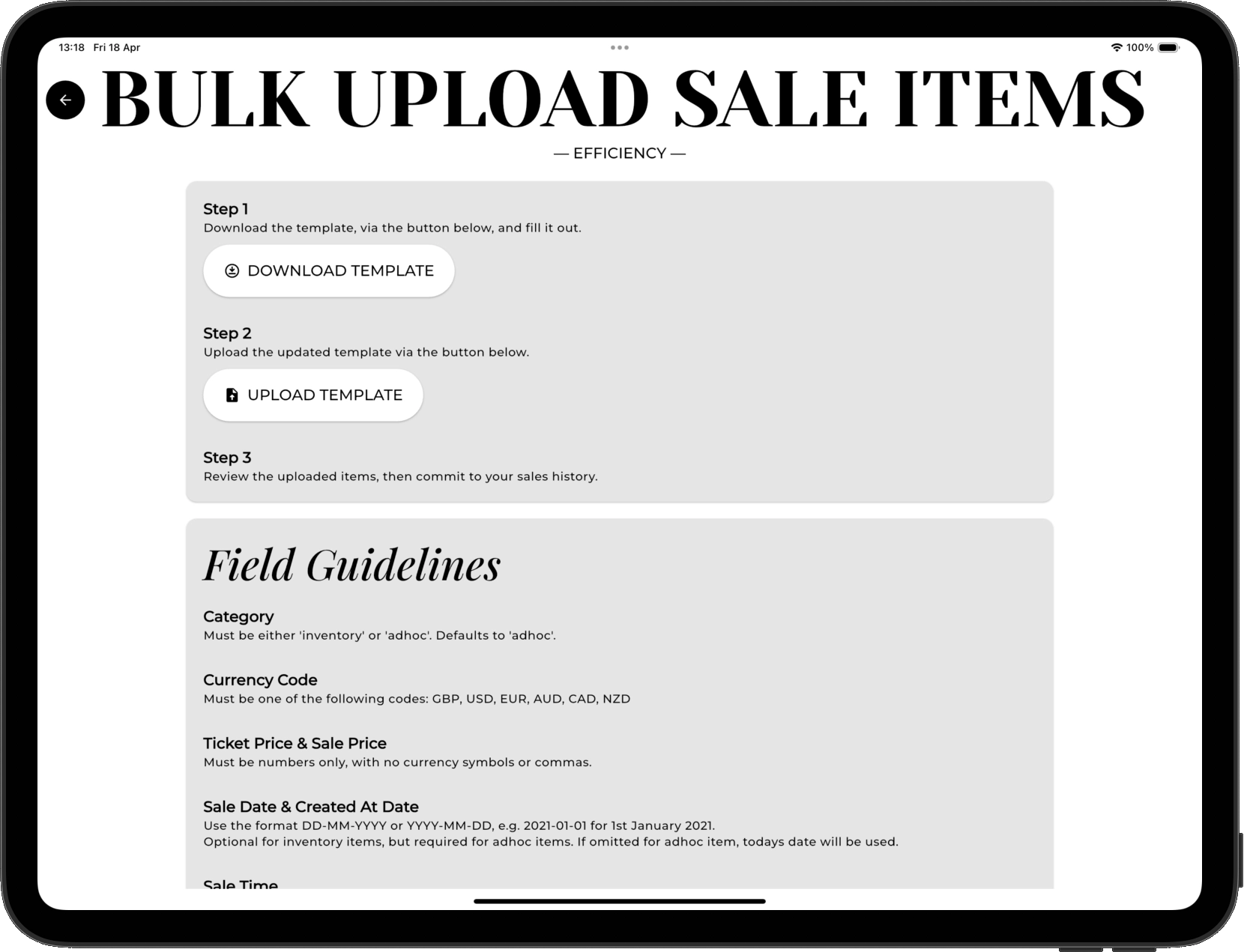
HISTORIC DATA
Already have sales history you don't want to lose? Bring along all your records with our easy to use bulk upload tool to make sure you don't lose any data in the move. We're always here to help if you need support.
| Step 6
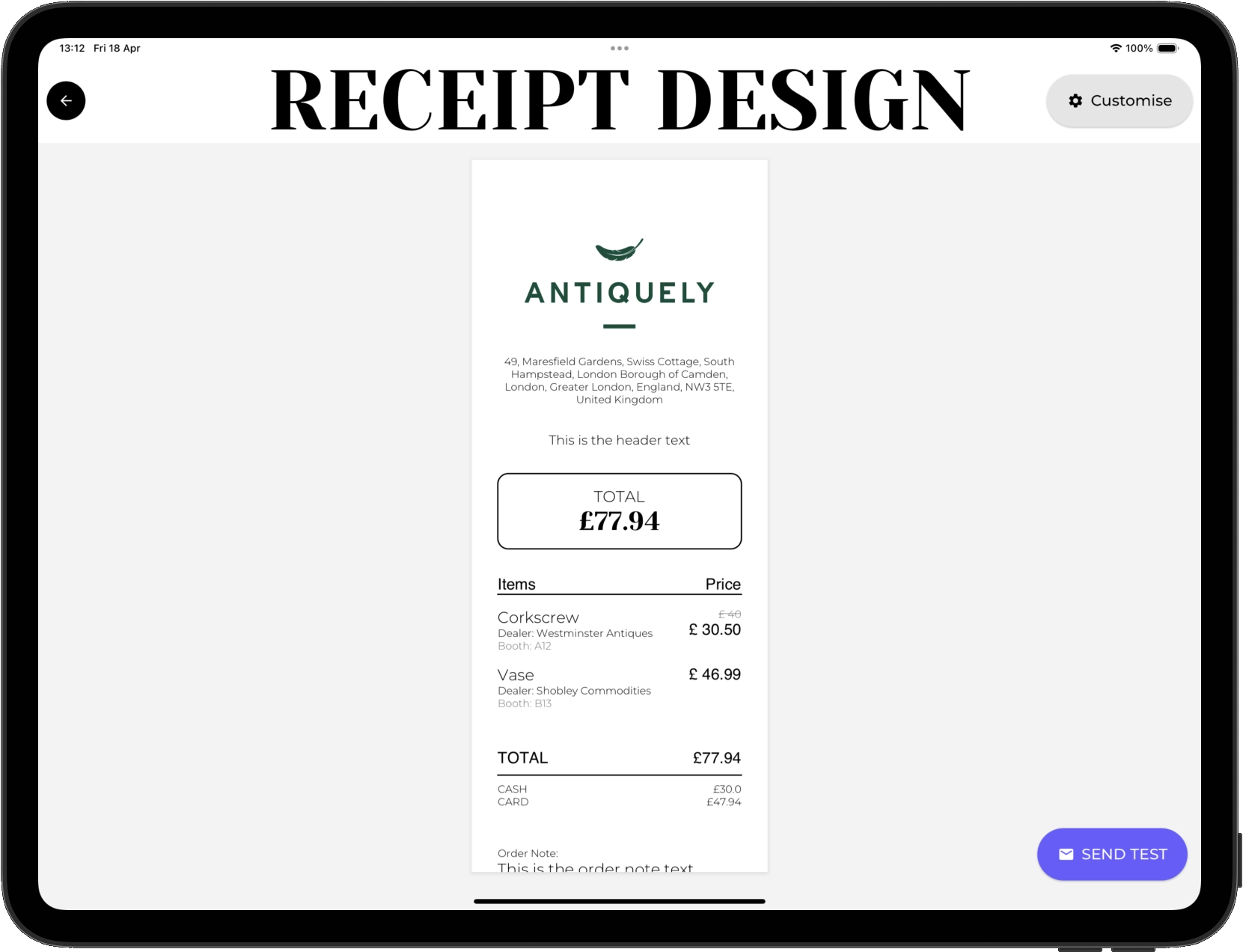
EDIT RECEIPTS
Customise receipt design. Make sure receipts emailed or printed are branded and contain the information you want included before you start selling.
| Step 7
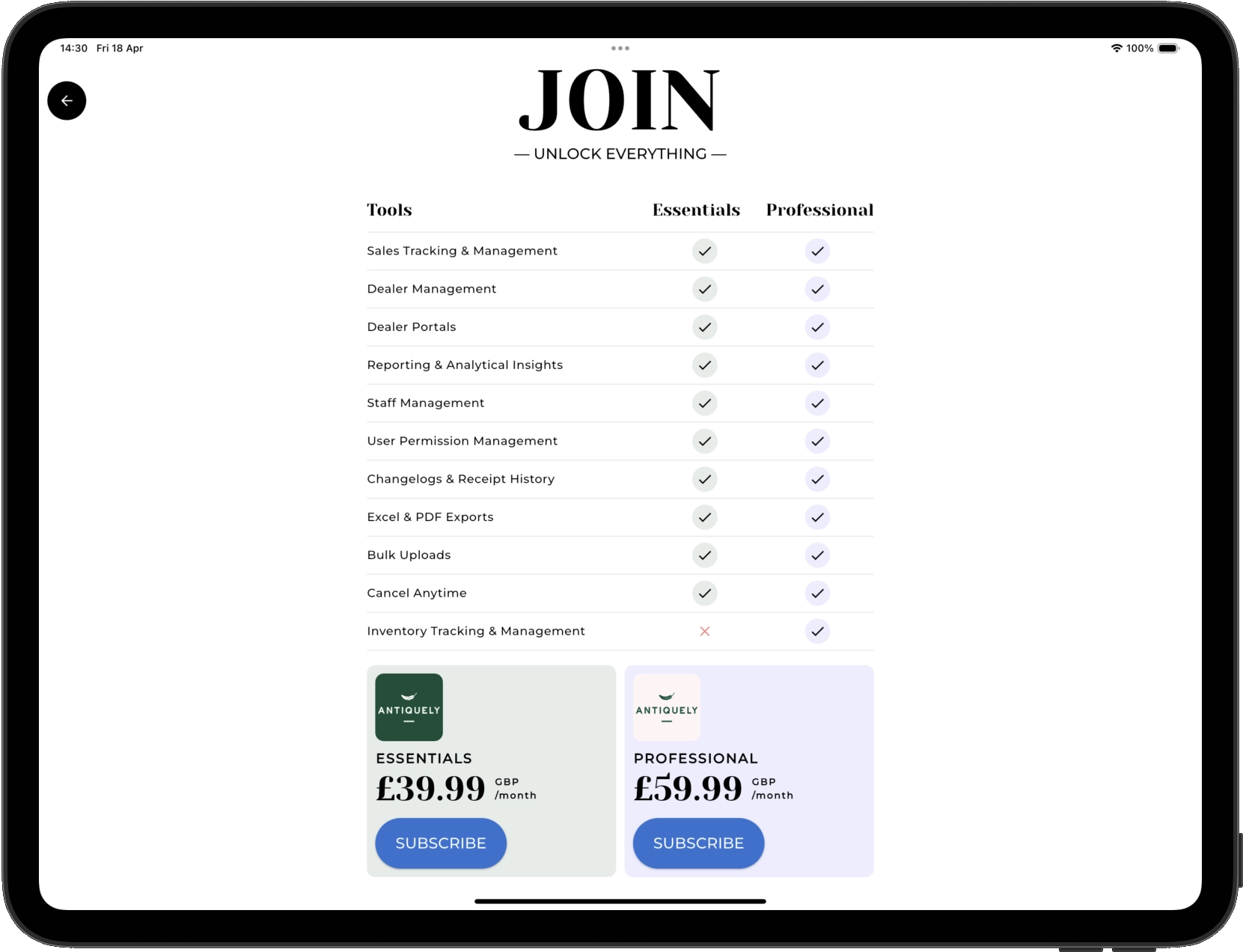
SUBSCRIBE
Only when you're ready to make your first sale do you need to subscribe. Choose the subscription that fits you best. Need an inventory system? Then the Professional plan is perfect for you!
Still unsure?
Don't hesitate to contact us and get any questions you may have answered. We are always here to help.
info@antique-ly.com