Integrated Payments: Setup Guide
How to join, get your card readers and start taking card payments.
| Step 1
REGISTER
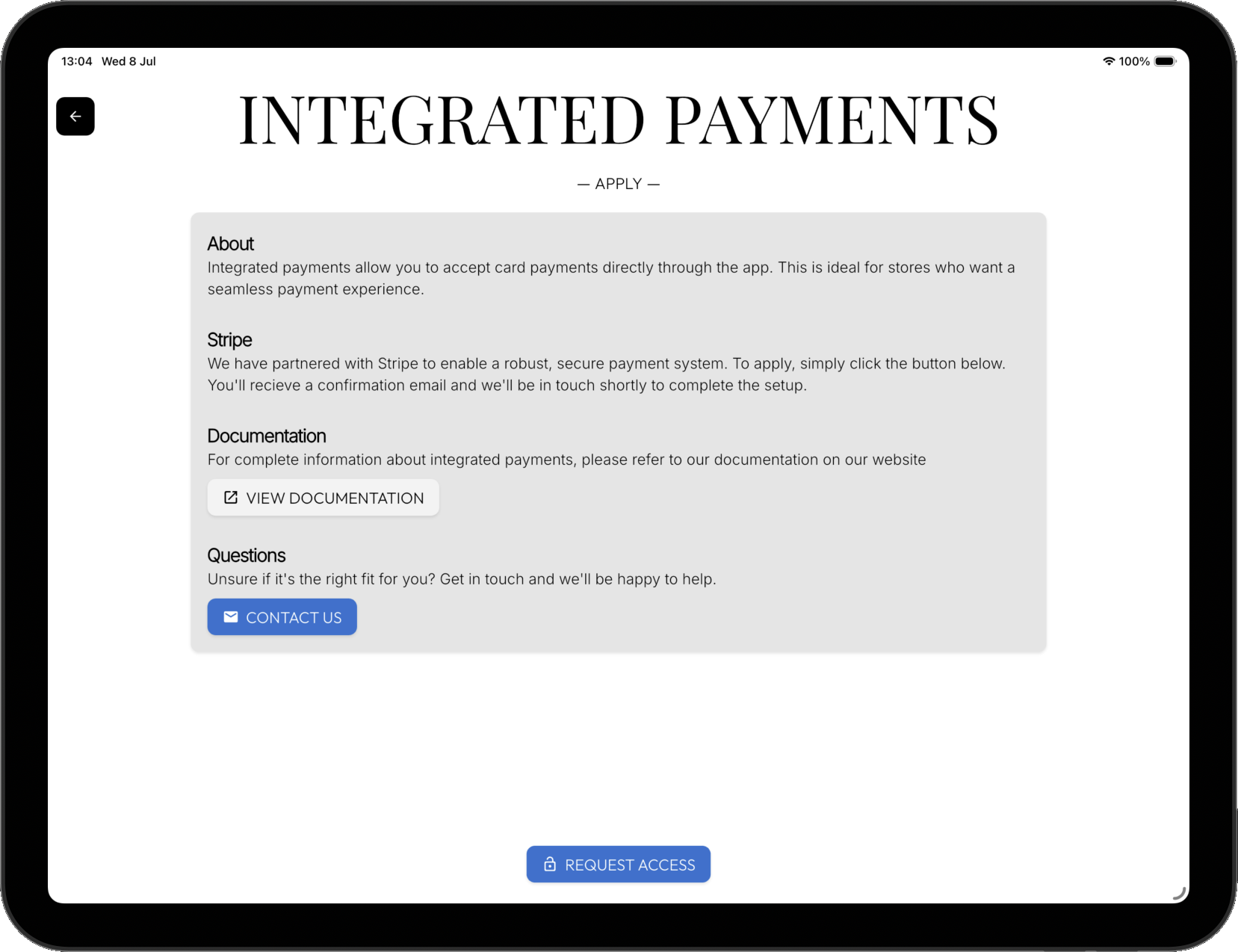
From within the app request integrated payments access.
More -> Integrated Payments
The status of your request will be shown here.
| Step 2
INVITE LINK
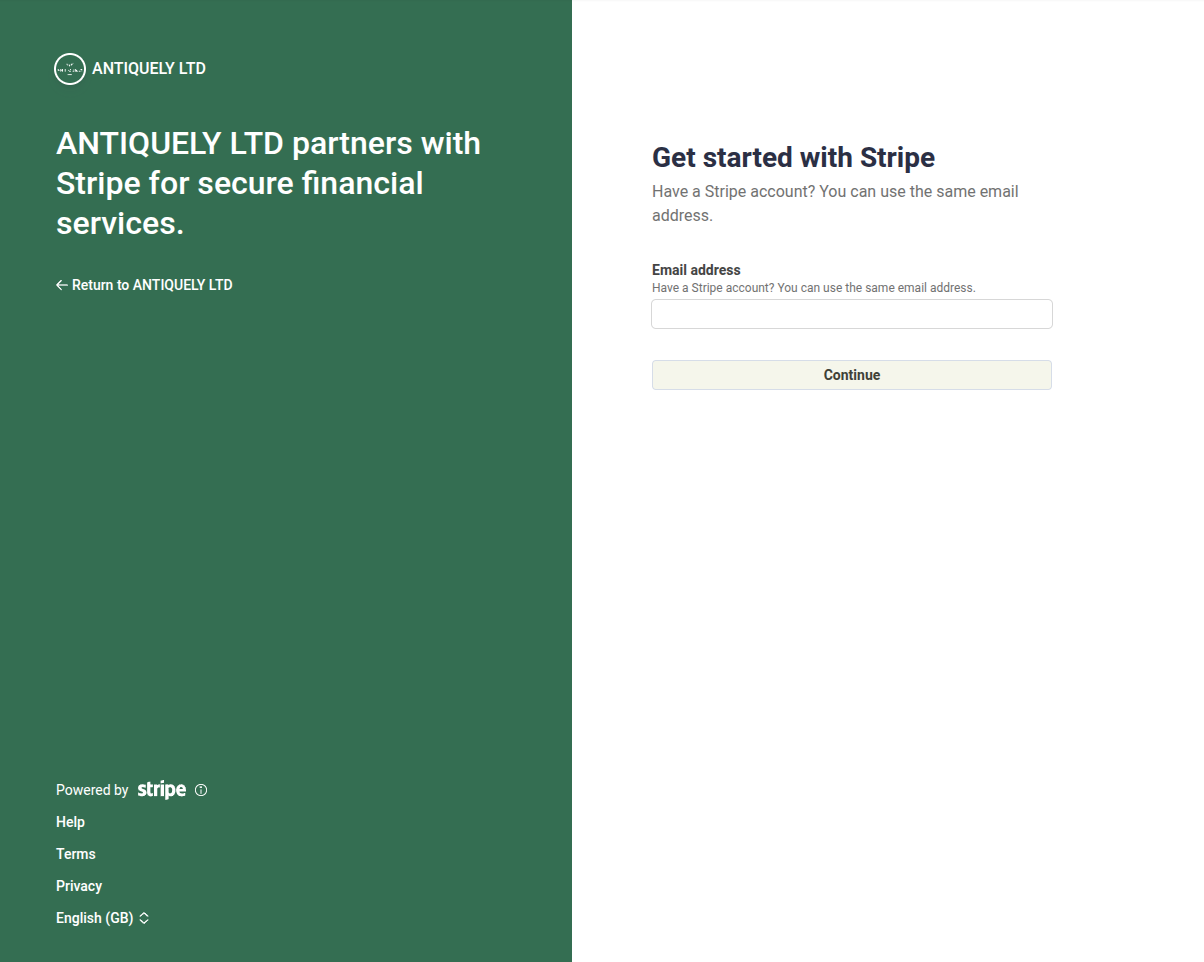
Next, a Stripe invite link will be emailed to you. Use this to sign up to Stripe. This will link your Stripe account to Antiquely.
Follow the steps through Stripe's setup. If you have any difficulties, don't hesitate to reach out to us.
| Step 3
STRIPE LOCATION
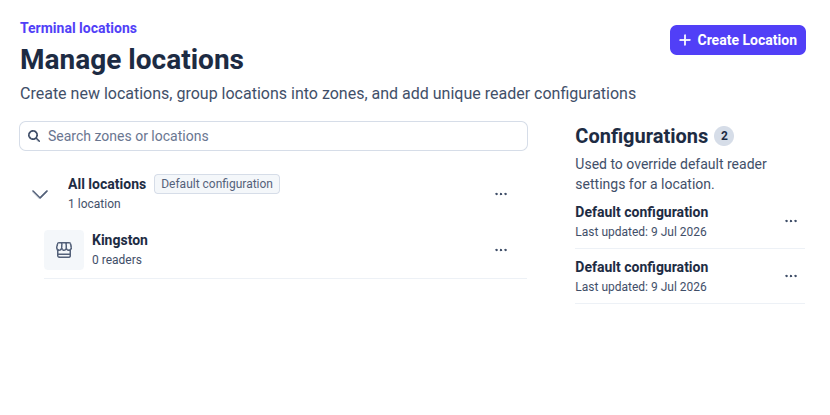
From the Stripe dashboard, create a single location.
Terminal -> Manage Locations
This is the physical location of your store and where all card readers and their activity will be associated with.
| Step 4
ANTIQUELY LOCATION
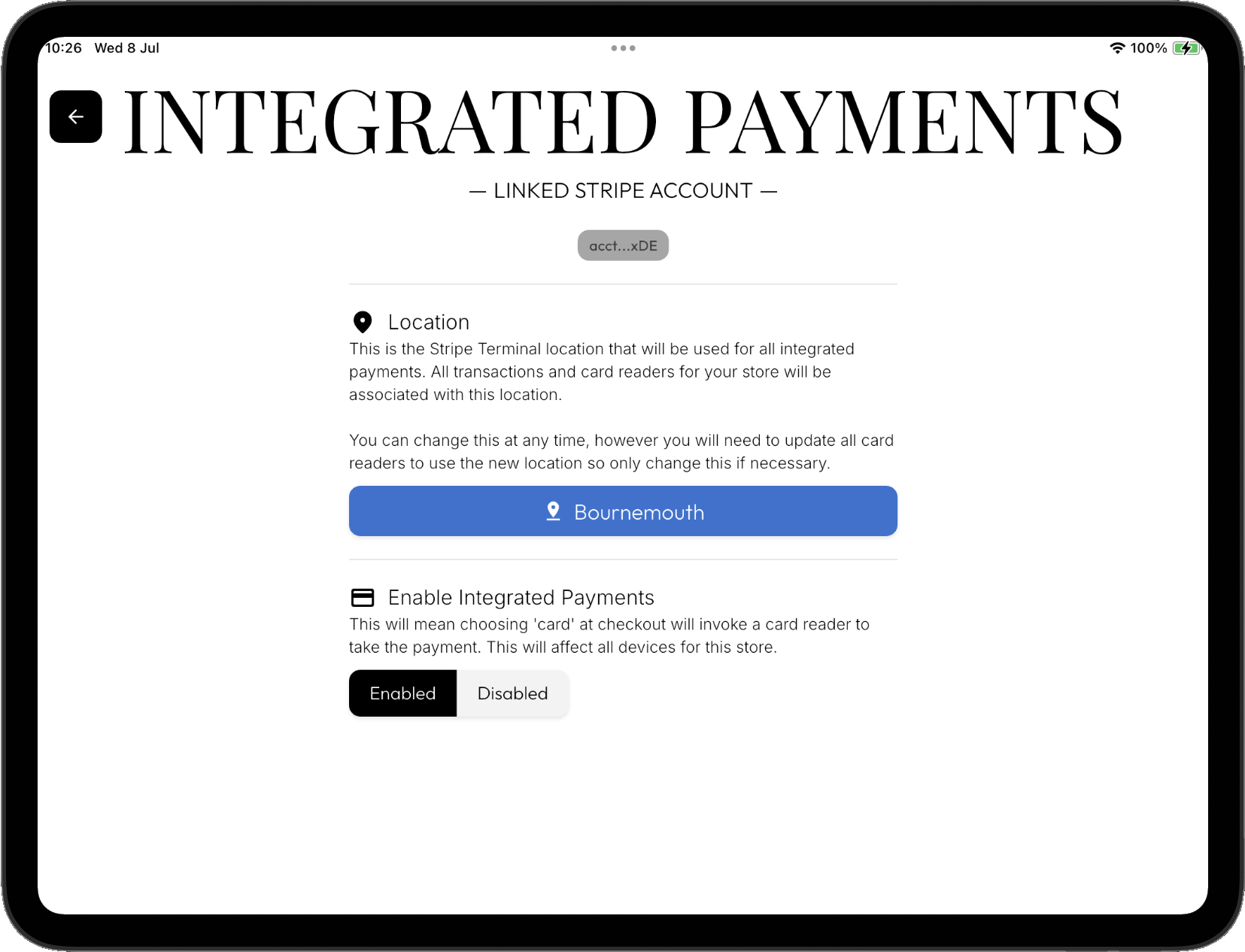
Once you've setup a location in Stripe, select that location from within integrated payments in the Antiquely app.
More → Integrated Payments Overview → Select Location
| Step 5
CARD READER(S)
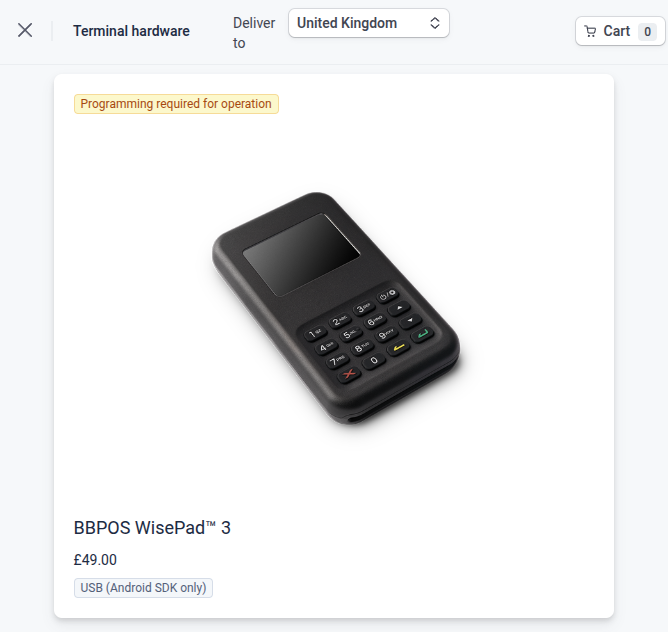
Now you're ready to purchase 1 or more card readers. As we are partnered with Stripe we utilise the superb WisePad3.
Terminal -> Hardware Orders -> Shop
You will need a separate card reader for each device you wish to use integrated payments with. I.E if you have two tablets for serving customers, you'll want two card readers. A card reader is linked with a single device at a time.
| Step 6
REGISTER CARD READER
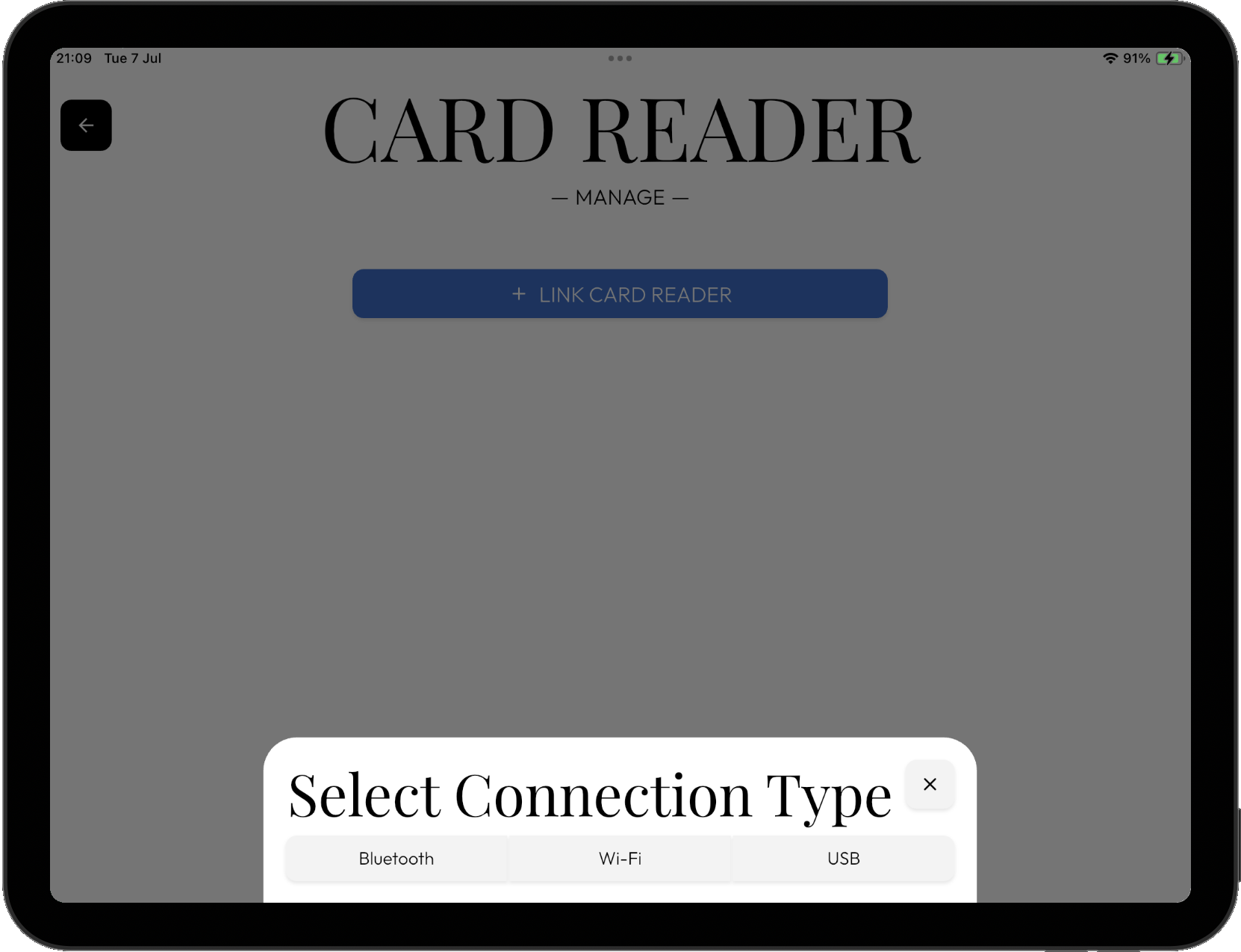
When your card reader(s) have arrived, from within the Antiquely app (More → Card Readers → Add card reader) register them.
Ensure all device permissions are granted.
You can always 'forget' a card reader and connect to another at any moment.
| Step 7
CHECKOUT
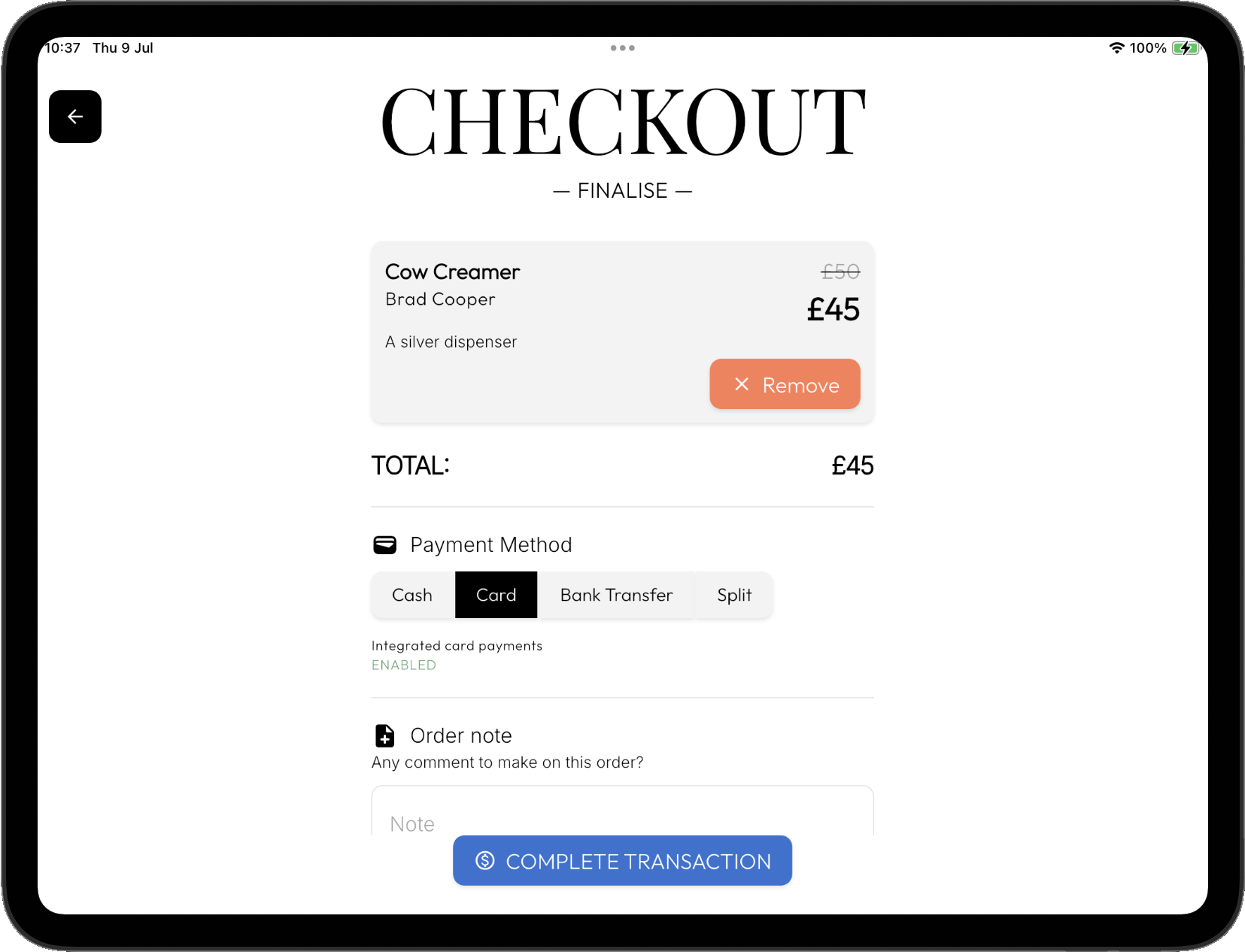
All done! At checkout you'll now see that choosing 'card' for payment type, utilises integrated payments instead.
You can always disable integrated payments in settings if you ever need/wish to.